

Greek Tonizo: Installation on Windows, Mac, Linux
Attention! Before installing Greek Tonizo, please close all open files in your computer. Also, if you have keymangreek installed, please uninstall it.
Open the Keyman keyboard directory from here
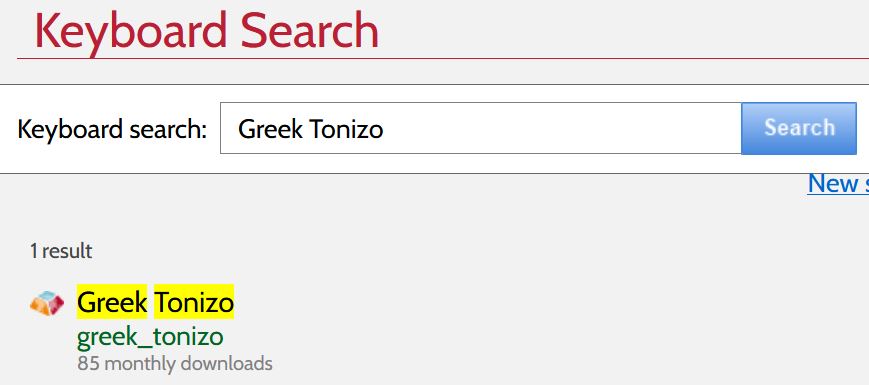
Search for and select "Greek Tonizo".
Press "install keyboard" and "download keyboard". The file keyman-setup.greek_tonizo.exe will be downloaded on your computer - Execute it and press "Ἐγκατάσταση".
On completion, Keyman starts. Press "Ἔναρξη Keyman" and type polytonic Greek on any application installed on your computer.
Change language/keyboard by pressing Windows-space.